
How to Check GLP-1 Cancellation and Renewal Terms Before Payment

Edited by Ryan Lafayette using public sources. Confirm prices and terms with the provider before you pay. Not medical advice.
Before you pay for a GLP-1 telehealth program, check the renewal date, cancellation deadline, prepaid or refund terms, and what proof to save. These details help you understand the next charge without treating any provider's policy as a refund promise.
Quick answer
Before payment, save the next billing date, cancellation instructions and refund terms.
- Good fit: You are comparing programs, checking a prepaid term, or trying to understand what happens before the next bill.
- Be careful: A cancellation button, refill status, prescription review, shipment, membership fee, or support message can each mean something different.
- Look wider: If renewal or refund terms are not clearly published, save the source and compare public details before entering payment information.
Start With the Next Renewal or Billing Date
The first detail to verify is the next renewal or billing date shown in the account page, checkout flow, email, or current program terms. A general FAQ can explain the policy, but the account-specific date usually controls the practical timeline.
Do not treat deleting an app, closing a browser tab, or stopping messages as cancellation. Look for the official account setting, support route, or written instruction that says how to end the recurring charge. Save the page or confirmation that shows the date and what was canceled.
Check what the price includes
Separate medication, membership and other fees. Confirm what you pay today and at renewal. Not medical advice.
Check the Cancellation Deadline or Cutoff
Many programs use a cutoff before the next billing date. Look for terms such as "48 hours," "two days before renewal," "current billing period," "before processing," "before shipment," or "cancellation cutoff." The exact wording matters because the cutoff may be tied to billing, pharmacy processing, clinician review, refill processing, or shipment.
Count backward from the date shown in your account. If the cutoff is not clearly published, save the terms you can find and ask support which date controls the next charge before you rely on the cancellation timing.
Hot Tip
Because policies can change, use the current public source or account page as the controlling reference. Save the source URL, date checked, and the exact cutoff language before payment or renewal.
Check When Charges May Become Nonrefundable
Refund language is usually separate from cancellation language. A program may let you cancel a future renewal while still saying that a paid visit, membership period, prescription step, pharmacy order, or shipped medication is not refundable.
Check when the policy says a charge may become nonrefundable. Look for terms about:
- Visit or consultation completed: Check whether a care fee or visit charge becomes final after the appointment or clinician review.
- Prescription or pharmacy step started: Check whether the policy changes once a prescription is written, submitted, filled, processed, or shipped.
- Membership period billed: Check whether a recurring membership, care plan, or support fee is refundable after the billing period starts.
- Prepaid term purchased: Check how to cancel a multi-month plan and whether its terms allow a partial refund or no refund.
Do not assume a charge is refundable just because the program is subscription-based. Keep expectations tied to the current written terms and the support route the provider publishes.
Use This Timeline Before the Next Charge
Write down the next billing date and cancellation deadline when you open the account.
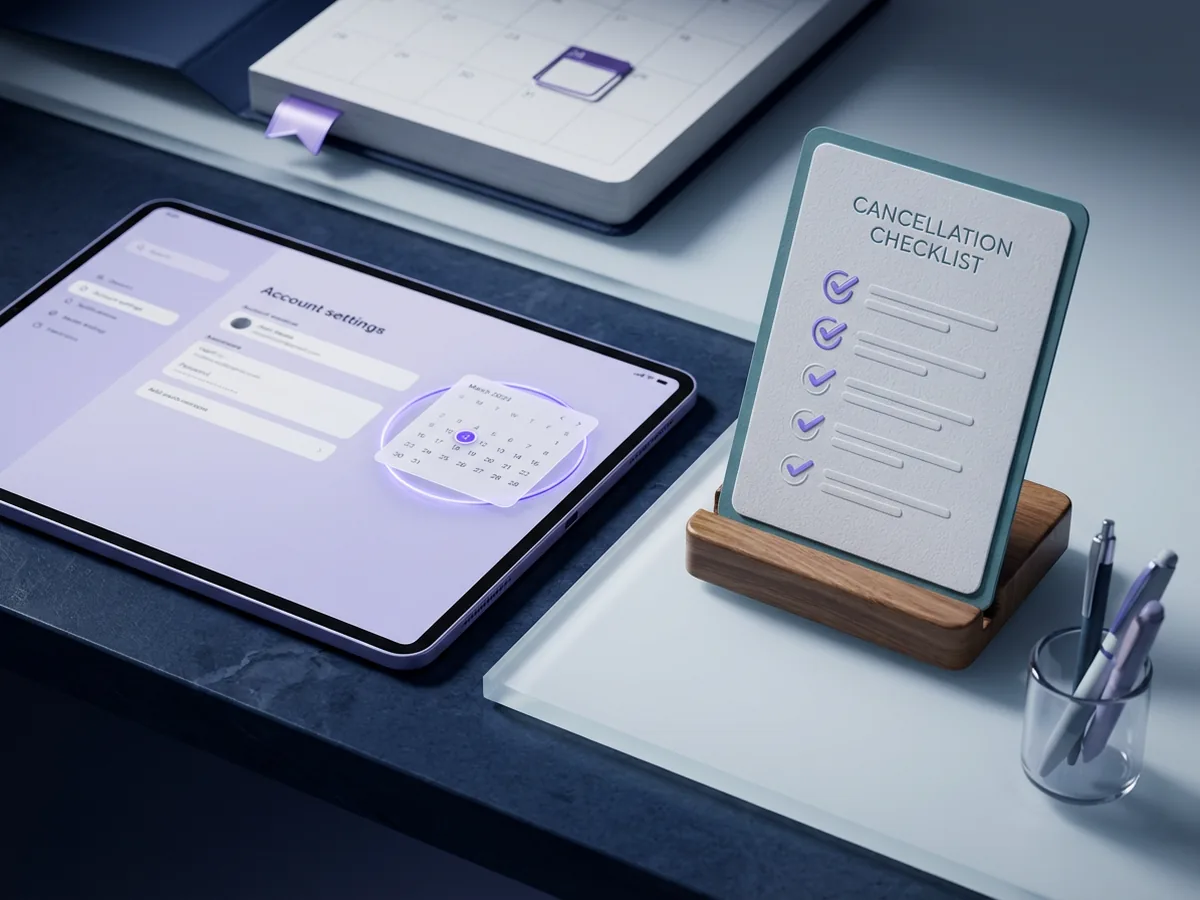
A cancellation timeline to check before the next charge
Check the renewal date, cancellation deadline and refund terms, then save the confirmation when you cancel.
- 1 Renewal date Find the next billing or renewal date in the account portal.
- 2 Cancellation cutoff Check whether the terms name a notice window before renewal, processing, refill, or shipment.
- 3 Refund rules Look for the point where a paid visit, membership period, prescription step, pharmacy order, or shipment changes refund terms.
- 4 Confirmation Save the cancellation confirmation, date, and any support message.
This timeline is a planning aid. Provider policies can change, and the current account page or published terms control the live renewal date.
Using a timeline helps you visualize the buffer between account billing, provider processing, and support response time. Count backward from the renewal date, then give yourself time to find the current terms, ask support a question if needed, and save the confirmation.
How Pricing Models Affect Cancellation Timing
Use this overview for the broader billing structures behind GLP-1 programs, then use the timeline above to check the exact cancellation and refund terms before signup.
Video chapters
Check What the Provider Details Clearly Show
Using Hims for weight loss? Our Hims cancellation guide separates medication and membership renewal, with the current published steps and refund limits.
Check which deadline applies to each charge. Canceling a membership may be separate from stopping a refill, pharmacy order or shipment.
Cancellation and renewal terms in current provider details
This snapshot shows where current Compare details surface renewal, cancellation, refund-boundary, and not-clearly-listed terms. It is a details-to-check prompt, not a ranking.
What To Check
- Renewal or billing date: Find the next charge date in your account page and compare it with the provider's current cutoff language.
- What cancellation covers: Check whether the action stops membership, medication subscription, refill or order, shipment, or only one part of the program.
- Refill or pharmacy status: Look for any refill request, prescription review, pharmacy submission, processing step, or shipment already underway.
- How to request a refund: If the provider states a refund or billing-support route, use that official route and keep expectations tied to the written policy.
- Records to save: Save the cancellation confirmation, order or refill status, payment receipt, current terms, source URL, date checked, and support messages.
For related checks, use GLP-1 provider pricing for prepaid terms and medication-included pricing, request GLP-1 medical records before switching, and what to save before GLP-1 program signup for the records to keep before payment or cancellation.
This checklist is for planning, not a refund promise. If the chart does not show a short timing note for an offer, that does not mean the provider has no cancellation route. Provider terms can change; your account page and current provider policy control the live cancellation process.
Save the Terms Before Checkout
The useful record is not only the final cancellation confirmation. Before you pay, save the current source URL, date checked, renewal terms, cancellation deadline, refund terms, and support instructions. If the program changes later, that record helps you compare what you saw with what the current page now says.
Hot Tip
Some programs separate billing into different parts: care membership, medication order, pharmacy fulfillment, insurance-supported steps, refill review, or shipping. Check whether one cancellation action stops every recurring part or only one part.
Use what to save before payment if you want a broader checklist for price, whether medication is included, shipping, labs, page URLs, and cancellation terms.
Start Quiz
Find your best GLP-1 match
Which cost question should compare help you check first?
Comparing costs next?
Compare GLP-1 costsCheck Terms Before Comparing Another Option
If you are comparing another option, read the billing structure before treating a lower starting price as the full picture. The Compare Tool can help you separate commitment terms, first-month pricing, ongoing program cost, medication pricing, and the pricing model without treating the headline number as the whole bill.
How Pricing Structures Affect Exit Terms
These categories group current offers by how the bill is put together: month-to-month cash pricing, prepaid terms, membership plus medication, insurance-assisted pricing, intro offers, and quote-based pricing.
Each slice shows the offer's main pricing setup. Insurance support can appear alongside another setup, so it is tracked separately.
Month-to-Month Cash Pricing
Less commonLess common
The program is priced one month at a time. Medication may be bundled or billed separately, so the refill price is part of the real comparison.
Ask Before You Choose: after-month-one medication price, refill cadence, shipping, and cancellation rules.
Prepaid or Term Pricing
Less commonLess common
The advertised monthly number may depend on paying ahead or staying for a set term. The due-today amount can be different from the average monthly math.
Ask Before You Choose: upfront charge, term length, refund policy, and the average monthly calculation.
Membership Plus Medication
Some offersSome offers
The care membership and medication price can be separate pieces of the bill. A low membership fee may not include the medication itself.
Ask Before You Choose: membership fee, medication range, dose changes, labs, and required follow-up costs.
Insurance-Assisted Pricing
Less commonLess common
The final cost depends on benefits, prior authorization, formulary rules, or plan requirements. The visible quote is not always the price for someone paying out of pocket.
Ask Before You Choose: benefit verification, prior authorization, plan exclusions, and medication copay rules.
Intro or First-Month Offer
Less commonLess common
The first visible price may apply only to the first month or starter dose. The renewal price is the number to compare before you commit.
Ask Before You Choose: when the intro price ends, renewal price, dose-related changes, and refill timing.
Quote or Visit-Based Pricing
Less commonLess common
The exact monthly cost may depend on the evaluation, pharmacy, medication availability, or a follow-up quote.
Ask Before You Choose: what is known before intake, what is quoted later, and whether medication is included.
This snapshot updates from published FindMyGLP1 Compare Tool offers. It explains pricing structures, not which provider is easiest to cancel.
Before selecting a new provider, look closely at these specific factors:
- Introductory pricing vs. ongoing cost: Many platforms offer a discounted first month. Verify exactly when the ongoing program price begins and whether that transition happens automatically.
- Prepaid terms: A provider might show a lower monthly average when you prepay for several months. Check whether early cancellation, partial refund, or renewal language is clearly published.
- Month-to-month terms: A monthly program may still have a cutoff before the next charge, refill, processing step, or shipment. Check the timing instead of assuming the label explains the full exit process.
- Bundled vs. unbundled billing: Check whether the provider charges a separate monthly membership fee alongside the cost of the medication. Knowing how the program separates these costs will tell you exactly what you are canceling if you leave.
After saving the current source terms, compare public details across pricing structures. The Compare Tool is for public details, not rankings or medical recommendations.
Quick Cancellation Questions
Does deleting a provider's app cancel my telehealth subscription?
No. Deleting an application only removes the software. Use the account portal, app settings, or support route named in the provider's current policy, then save the confirmation.
Can I return delivered GLP-1 medication for a refund?
Do not assume it. Prescription return and refund language can depend on pharmacy rules, shipment status, filling errors, or the provider's published policy. Check the current terms before relying on a refund.
If I cancel my medication plan, does my membership automatically end?
Not always. Some platforms separate the monthly membership fee from the medication plan. Check whether canceling one item also cancels the other, or whether each subscription must be stopped separately.
When is the latest I can cancel before getting charged?
The exact deadline varies. Your account page and current terms control the deadline for your plan, so save the renewal date and cancellation cutoff together.